
CNERD Tools · Practical AI · Business Operations
Build a 360° Tour That Shows the Space and the Work
A practical look at easier panorama import, video inside a tour, guided presentations, and portable self-hosted delivery for properties and business spaces.
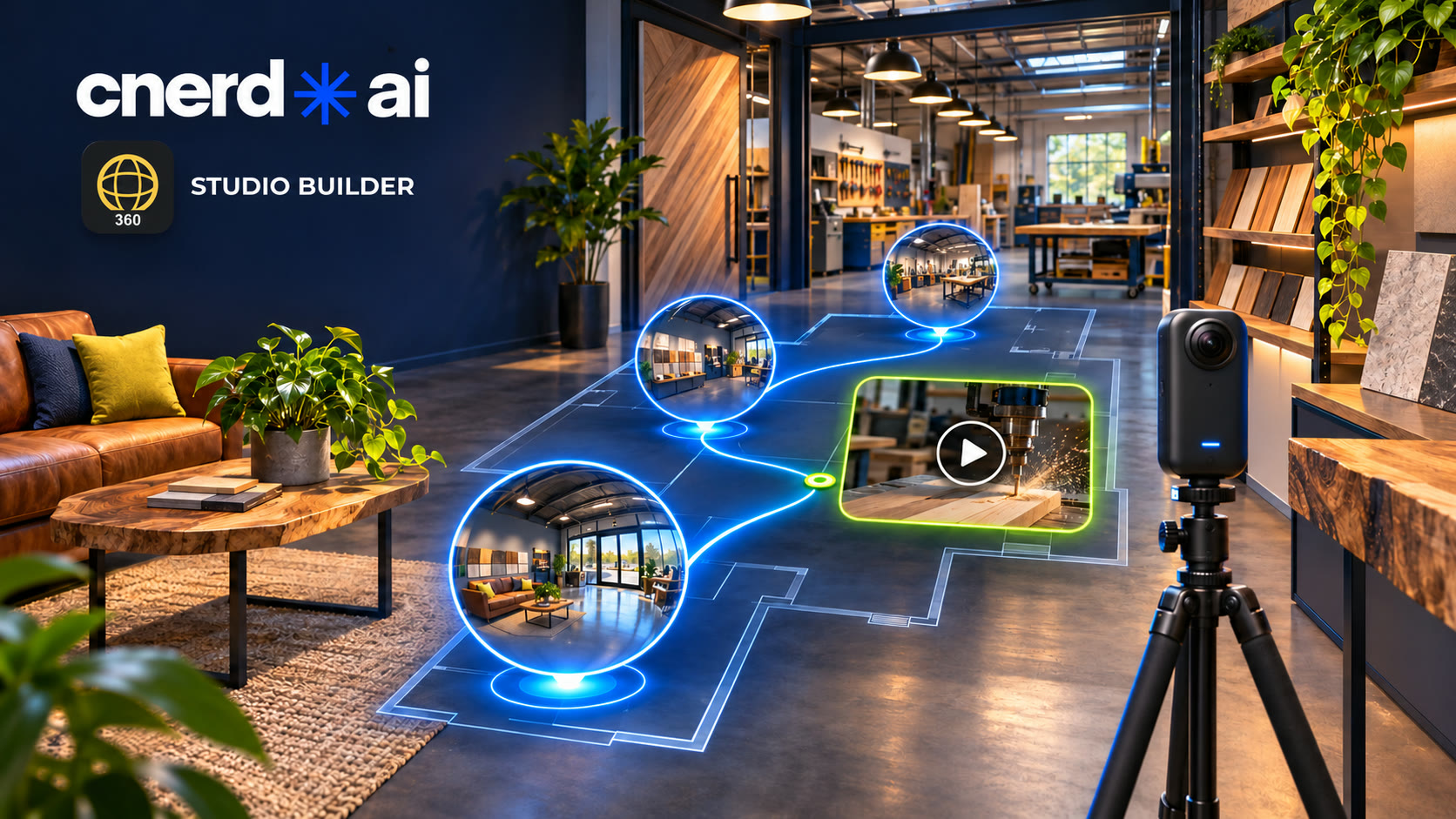
A property is easier to understand when people can move from room to room. The same is true of a showroom, workshop, venue, or production space: customers want to see what it feels like and how the work happens. A 360° tour can give them that context before the first visit or call.
CNERD 360 Studio Builder is built to make that presentation approachable. Start with the spaces you want to show, connect them, add the details that matter, and choose how to deliver the result.
Bring in the images with less repetitive work
The current browser Studio can scan a supported Insta360 X3 photo folder, group related captures, and prepare panoramas in order. It identifies ready shots, ones that need review, and unsupported files instead of asking you to sort every image by hand. For supported DNG exposures, stitching and floor blending run locally in the browser, with a preview before you keep the result.
This camera-folder workflow is new in the web beta. The Mac and Windows beta downloads do not yet include this newest importer. For other cameras, bring in stitched 2:1 full-sphere JPEG or PNG panoramas. You still choose which scenes belong in the finished tour and review the images before sharing.
Let customers see the work, not only the walls
Place panoramas on a floor plan or site map, connect the views, and set a guided route when there is a story you want visitors to follow. A business can lead from its entrance to a showroom, then into a work area. A property team can walk through the rooms and levels in a clear order.
Add information points for the details a still image cannot explain. Studio supports images, galleries, audio, and video. An MP4 or YouTube video can open from a point in the tour; supported video can also appear on an in-scene surface. That lets a customer see a machine in use, watch a short demonstration, or hear the story behind a space while exploring it.
Keep control of the finished tour
Export a web bundle and upload its files to compatible static hosting you control, or deliver a client tour package with the offline player. Keep an editable project package so you can revise the tour later. Your web host must support the needed HTML, JavaScript, and media files; hosting and camera equipment are separate from Studio Builder.
Try one small tour first
Choose three spaces that help a customer understand what you offer.
Import the panoramas, place them on a map, and connect the route.
Add one short video or explanation where it answers a real customer question, then preview the tour as a visitor.
For more ideas on what to say alongside a tour, our guide for realtors and business owners includes ready-to-use AI prompts for a property or business presentation.
That is enough to learn the workflow and see where it saves preparation time for your team. The free beta and browser Studio are available now. The free beta runs through December 15, 2026; saving, exporting, and publishing in the beta stop after that date. There is no automatic charge. Explore Studio Builder and try the beta →