← All apps
FREE · OPEN SOURCE · FOR MAC
CNERD Mac Utilities Switch computers. Not habits.
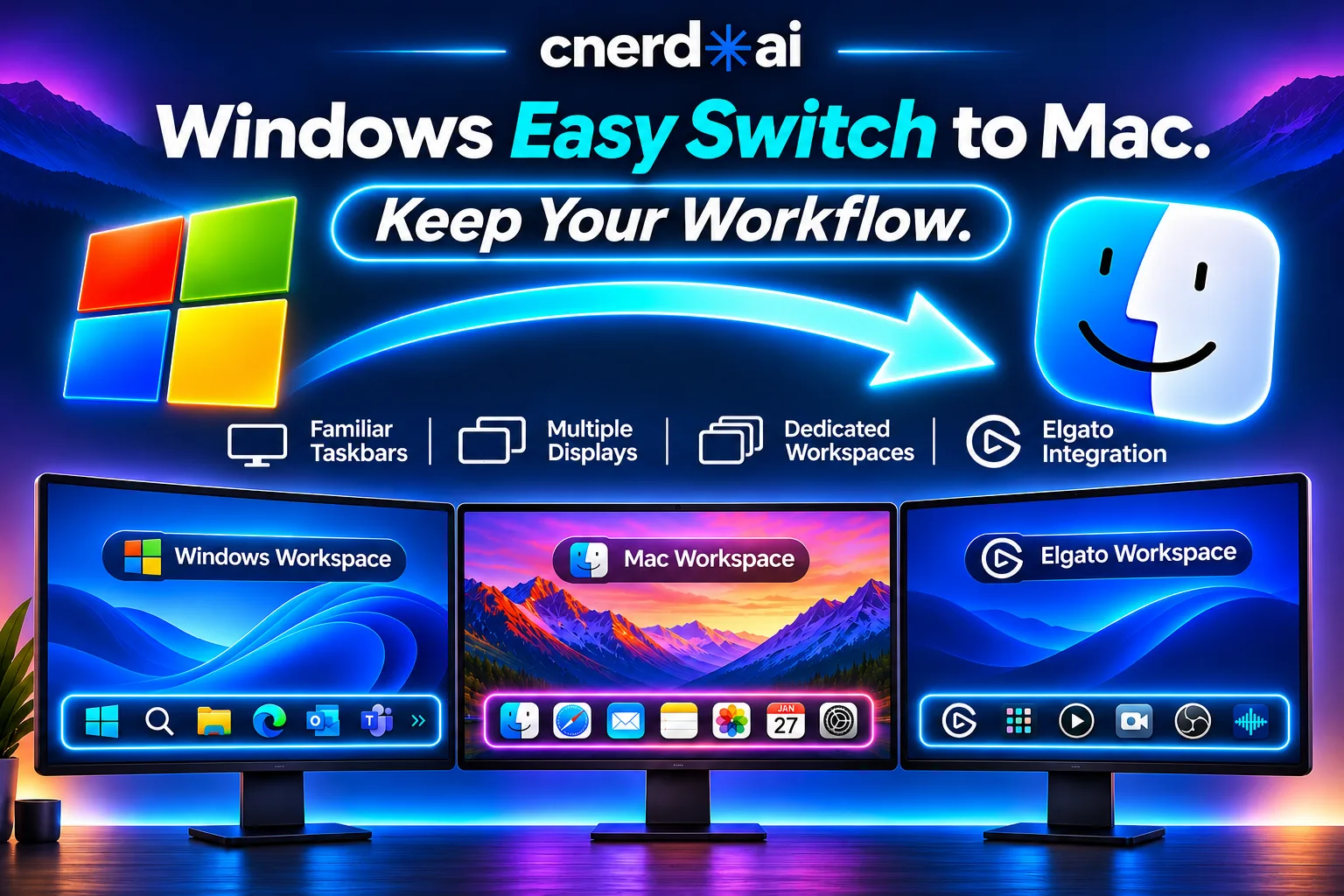
Coming from Windows? Get a taskbar on every display, maximize that restores, and snap left and right on your Mac. Free, private, and built natively for macOS.
Version 1.4.0 · macOS 14 or later · Apple silicon and Intel · Signed and notarized by Apple
WHAT IT DOES
The quick 10
A taskbar on every display Bottom, top, left or right. Each screen gets its own bar.
Each screen shows its own apps By where the window is, or only the apps you pick.
Maximize that restores Fill the screen without Full Screen. Do it again to go back.
Snap with the keyboard Left half, right half or center, from any app.
Keep in Taskbar Your apps stay put, in the order you drag them.
App groups Sorted by topic for you, or into groups you make.
Auto-fit Too many apps? Names hide, icons shrink, the rest go behind a "+N" button.
Hidden apps Tuck running apps behind one button that shows how many are open.
One switch back to the Apple Dock And one switch to bring the taskbar back.
Finder tools Quick folders, show hidden files and copy a file’s full path.
EVERY FEATURE
Everything it does
Every tool has its own on and off switch. When a tool is off, it does nothing.
Window Manager Windows-style window control
Maximize fills the usable screen and keeps the menu bar, Dock and taskbar in view. Maximize again and the window goes back to its old size and place. Snap to the left half, the right half or the center. Works on the display the window is on, with any number of displays. Shortcuts work from any app, and you can record your own. Optional: make the green window button maximize and restore (beta). Taskbar The bar you know from Windows
Shows open apps and marks the one in front. Click to switch. Drag apps to reorder them. Keep the ones you use most. Square edges like Windows, or rounded like the Dock. Glass or solid. Icon size slider, and app names on or off. Drag the bar to any edge of the screen. Trash and an Applications button, right on the bar. More than one display Give each screen its own job
Show every app on every taskbar, or only the apps with a window on that screen. Pick the exact apps for one screen, such as a camera or streaming display. Each screen remembers its setup after a restart or unplug. A small screen can shrink its icons while a large one does not. Groups and hidden apps Keep a busy bar tidy
Related apps sit together: AI tools, browsers, communication and more. Make, rename and reorder your own groups. Hide running apps behind one button. They keep running. Bring one back, or all of them, with a click. Finder and Desktop Small things that save time
Quick Folders one right-click away on Finder in the taskbar. Show hidden files with one switch. Copy the full path of any selected file or folder. See every display’s size and your Desktop files at a glance. The app itself Light, private and easy to move
Every tool has its own on and off switch. Export your whole setup and import it on your next Mac. Launch at login, light and dark mode, and a menu bar icon. No account, no data collection and no network connections.
KEYBOARD
Shortcuts that work in any app
These are the defaults. Record your own in the app.
Maximize or restore Control Option ↑ Snap left Control Option ← Snap right Control Option → Center Control Option C
GET STARTED
Up and running in three steps
Download Enter your name and email and the download starts. It is free.
Install Open the .dmg and drag CNERD Mac Utilities to Applications.
Allow access Open the app, click Request Access and turn it on in System Settings. macOS asks this of every app that moves windows.
Private No account, no data collection and no network connections.
Free and open source Apache 2.0 license, no third-party code. Read every line on GitHub.
Signed by Apple Signed and notarized, so macOS opens it without warnings.
Apple, Mac, macOS, Finder and Dock are trademarks of Apple Inc. Microsoft and Windows are trademarks of Microsoft Corporation. Elgato is a trademark of Corsair Memory, Inc. Other names and logos belong to their owners. CNERD Mac Utilities is an independent project and is not affiliated with or endorsed by these companies.